> For the complete documentation index, see [llms.txt](https://sfdigitalservices.gitbook.io/data-publishing-process/llms.txt). Markdown versions of documentation pages are available by appending `.md` to page URLs; this page is available as [Markdown](https://sfdigitalservices.gitbook.io/data-publishing-process/data-pipeline/pipeline-basics/manual-publishing.md).
# Manual Publishing
You are the data pipeline
## What is manual publishing?
Manual publishing is the process uploading data from your computer onto the Open Data Portal. This approach is popular if you are working with data from a spreadsheet (Excel or .csv) or have a static map file (Shapefile, GeoJSON) which you do not plan to change.
On the positive side, this is the quickest way to get data onto the open data portal. On the negative side, you will have to repeat this process every time your dataset is updated.
If your dataset needs to be updated Monthly, Weekly, Daily, or Hourly this is not a good option (see [data pipeline](/data-publishing-process/data-pipeline/pipeline-basics/data-pipeline.md) for alternatives).
## How to manually upload data
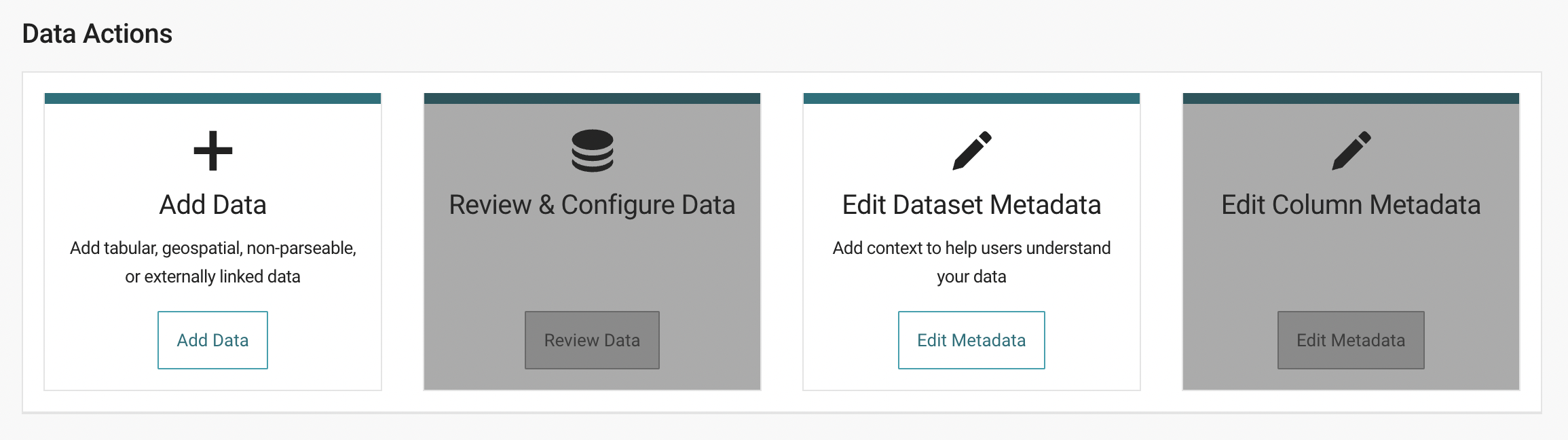
Our Open Data Portal vendor ('Tyler Tech') has an explainer describing all the steps [here.](https://support.socrata.com/hc/en-us/articles/360009314294-How-to-Create-and-Publish-a-New-Dataset) Log into the [open data portal](https://data.sfgov.org/login), hit the plus sign in the upper right, then follow the instructions.
{% hint style="info" %}
Please watch [this video series](https://support.socrata.com/hc/en-us/articles/360009314294-How-to-Create-and-Publish-a-New-Dataset) to learn more about manually publishing data.
{% endhint %}
## Required fields
We require every dataset to contain two colums: **data\_as\_of** and **data\_loaded\_at.** Though they sound similar, they are unique and important.
* **data\_as\_of**: Timestamp when the record (row) was last updated in the source system. Said another way, this is how fresh this row of data is.
* **data\_loaded\_at:** Timestamp when the record (row) was was last updated here (in the data portal). For manual uploads - current datetime stamps can be added using column transformation in Socrata: `to_floating_timestamp(source_created_at(), 'US/Pacific')`
When manually uploading data, you may need to create a new column for the "**data\_loaded\_at**" field. You can find instructions to [add a new column here](https://support.socrata.com/hc/en-us/articles/360018815294-Adding-a-New-Column) or can reach out to for help.
{% hint style="info" %}
Please see the [metadata section](/data-publishing-process/metadata/intro-to-metadata/metadata-standards.md) for a full overview of metadata standards.
{% endhint %}